LiveClaw Unit 14
Electron desktop app that gives your local OpenClaw agent a Live2D face and a voice, with installers for macOS, Windows, and Linux.
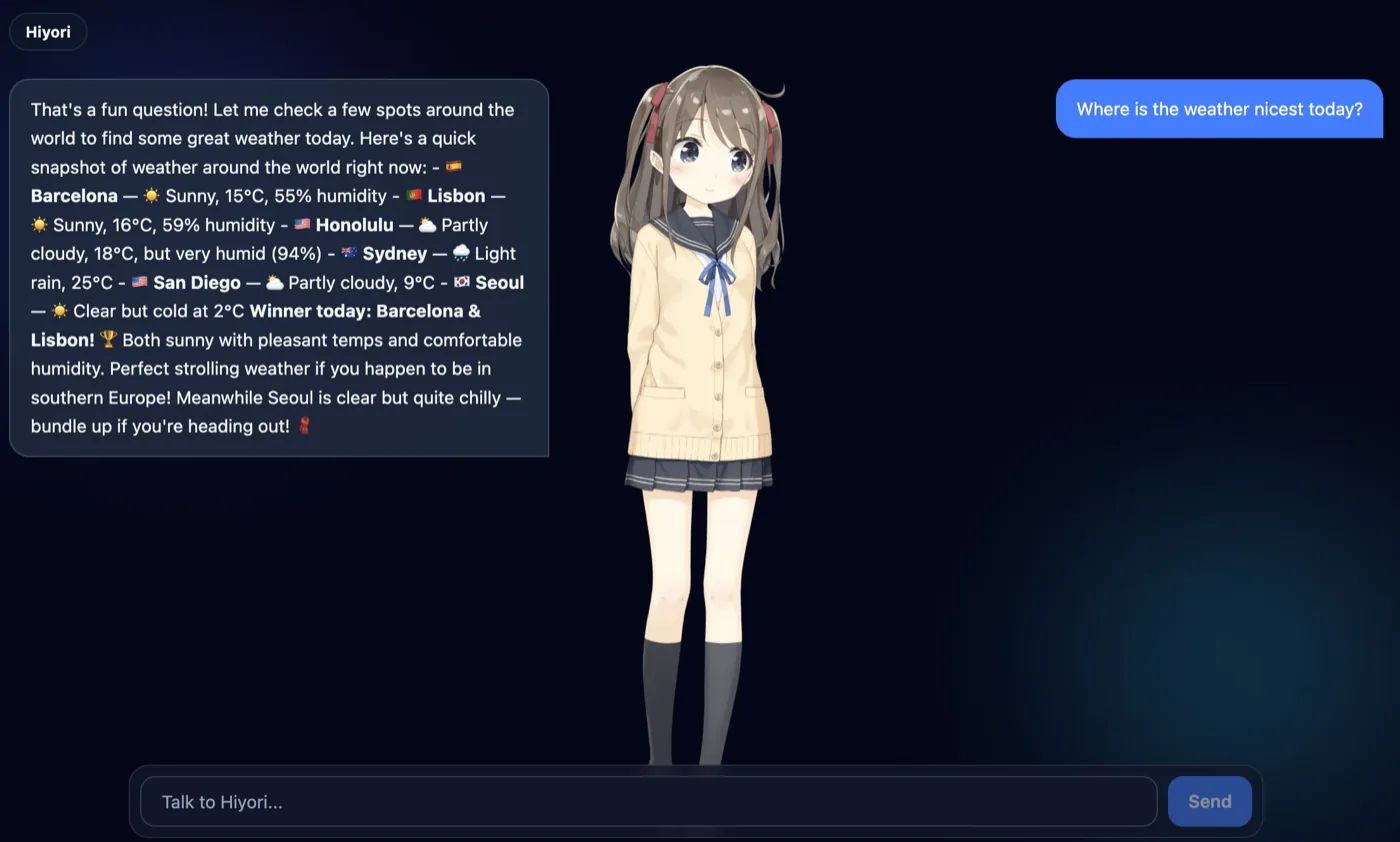
LiveClaw puts a Live2D character on your desktop and connects it to the OpenClaw gateway you already run, so you’re talking out loud to your own agent, with its tools and memory, not a hosted chatbot. It’s built on my Charivo framework and ships as 1.x releases, with a .dmg for Apple Silicon Macs, a Windows installer, and an AppImage and .deb for Linux.
Nothing to paste
An OpenClaw gateway token is an operator-grade credential, so LiveClaw avoids copying it around. At launch it reads the token and port straight out of ~/.openclaw/openclaw.json, checks them against GET /v1/models, and starts chatting. The detected token is never written to LiveClaw’s own config, so rotating it in OpenClaw just works. Any token the app holds is only ever sent to the gateway it was configured for. When auto-detection can’t apply, for example with password auth or a config file it can’t read, a setup screen asks for a URL and token instead. Chat needs nothing else; an OpenAI key in settings turns on speech and the mic.
Three paths out of the window
- Chat goes through the main process. The renderer sends messages over IPC, and Electron’s Node side calls the gateway’s OpenAI-compatible endpoint through Charivo’s OpenClaw provider, which avoids the renderer’s CORS and Private Network Access limits. Every IPC channel checks that its caller is the app’s own renderer.
- Speech is synthesized in the renderer. Replies go to OpenAI TTS directly from the renderer and play with lip sync. It’s a deliberate shortcut for a local app, and it means the key sits in the renderer.
- Voice input is split across both. The main process mints an ephemeral secret and completes the WebRTC handshake with OpenAI Realtime. The renderer then streams the microphone over WebRTC, and the live transcript fills the chat input as you talk. The standing key never reaches the renderer, and you still press send yourself.
What it pushed into Charivo
Two changes landed in Charivo a day before LiveClaw adopted them:
- Session pinning. The OpenClaw gateway stores the conversation itself, but it opens a fresh session for any request without a session identifier. Every turn was leaving a throwaway session behind, and multi-turn chat only held together because the client resent the whole transcript. Charivo’s OpenClaw provider gained a session key. LiveClaw now pins one per conversation, sends only the newest turn, and rotates the key when you start a new chat.
- Streaming transcription. Voice input used to record a clip and transcribe it afterwards. Charivo added a realtime transcriber whose session setup is a function the app supplies. That’s what let LiveClaw keep the key and the handshake in the main process while partial transcripts stream into the chat input.